Plant identification & care
LeafLens
Know your plant. Find its rhythm.
Meet the plant in front of you. Photo identification, individual watering schedules, and practical care guidance.
iOS & Android · Developed by QuantdeskFree to download · Optional in-app purchases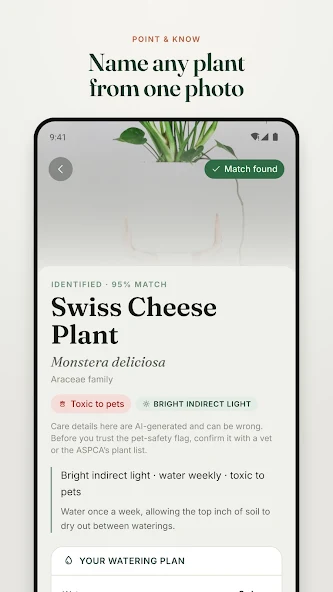
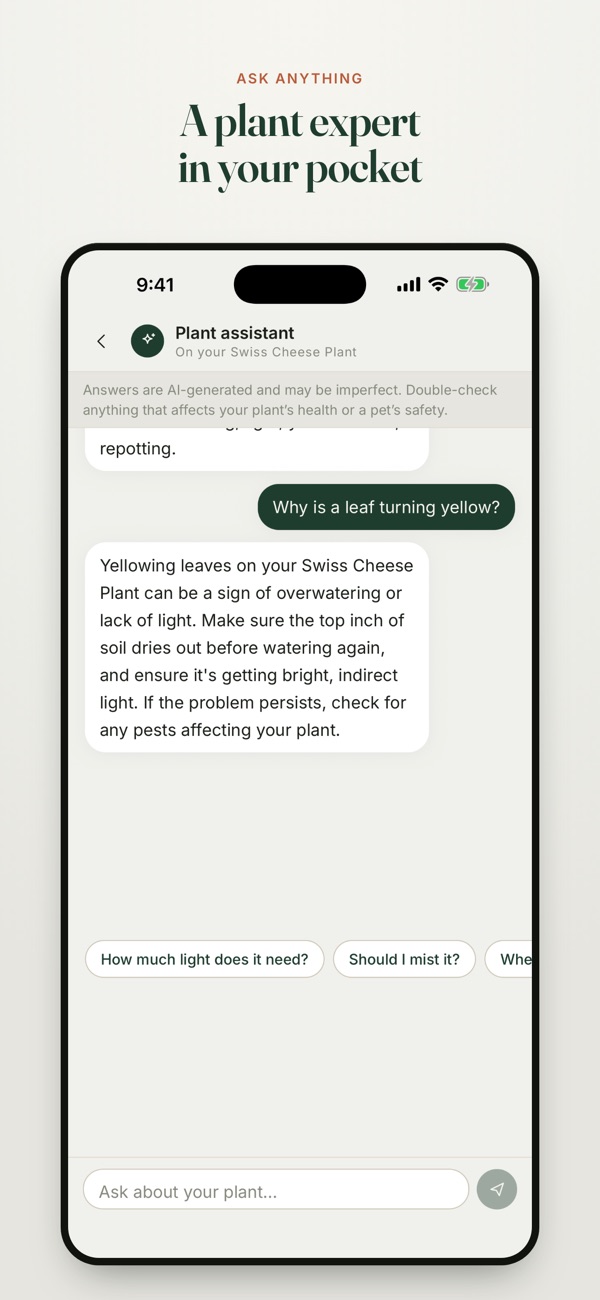
Use the buttons, swipe, or focus the gallery and use the arrow keys to browse. Screenshots are labelled by platform and store.
Inside LeafLens
For plant owners who want to identify a plant and keep its next care task with the rest of their collection.
LeafLens connects plant identification with day-to-day care. Photograph a plant, learn its common and botanical names, and keep its next watering task alongside the rest of your collection.
From a plant photo to its care plan
Photograph the plant
Use a clear photo to request an identification. Review the suggested name and plant information.
Review its care
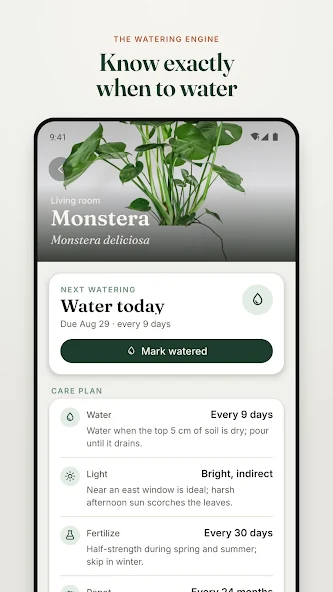
Read the care guidance and watering schedule for that plant instead of applying one reminder to your whole collection.
Keep the record current
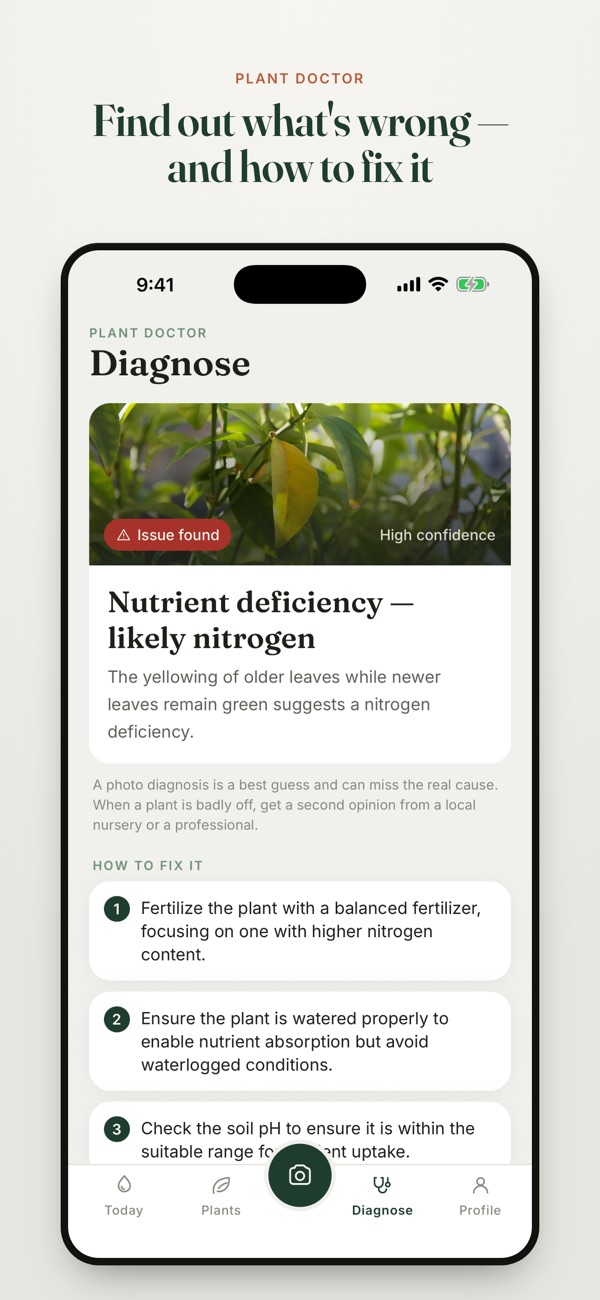
Mark a plant as watered so the next reminder moves with it. Use a problem photo or the assistant when you need more context.
Questions & support
Can I keep track of multiple plants?
Yes. Keep your collection, care history, and upcoming plant tasks together.
Are all features free?
LeafLens offers in-app purchases. Check your platform’s store listing and the app for current plans, feature access, and regional pricing.
Platforms, pricing and practical limits
- Platforms
- Both store listings describe identification and watering care. The gallery labels the Android-listing care screens and iOS diagnosis/assistant screens separately; paid feature access can vary by plan.
- Pricing
- The linked Indian store listings show a free download. Optional subscriptions or purchases unlock additional features; check your store for current plans and regional pricing.
- Limits
- Similar-looking plants and unclear photos can lead to an incorrect identification. Treat photo diagnosis as guidance to review, not a confirmed cause.
Where can I get help?
Email [email protected] with the app name and a description of the issue. You can also visit our support page.