Dream journaling & reflection
DreamReflect
Remember a dream. Explore its themes.
A dream journal with voice capture, optional AI reflections and a searchable timeline.
iOS & Android · Developed by QuantdeskFree to download · Optional in-app purchases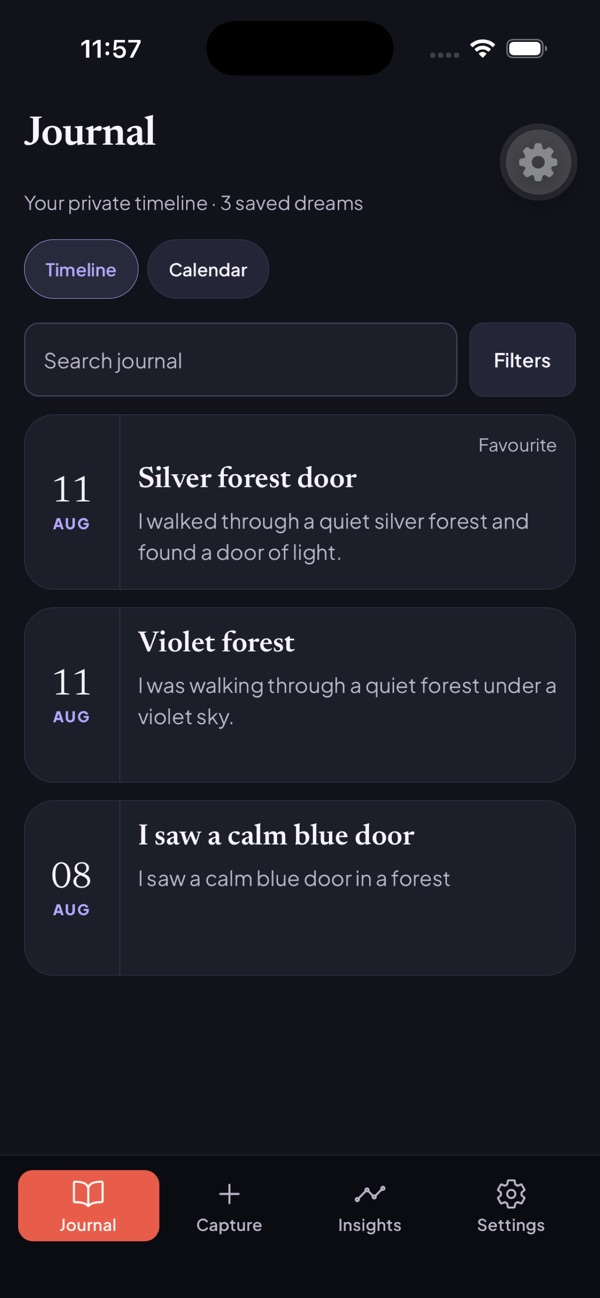
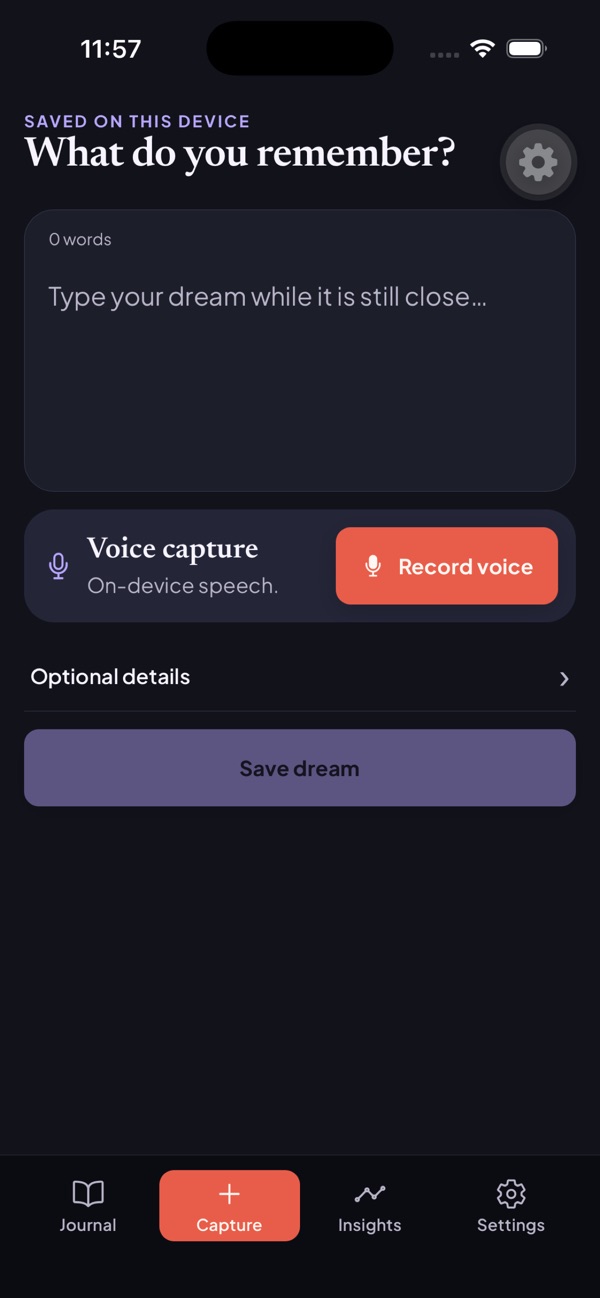
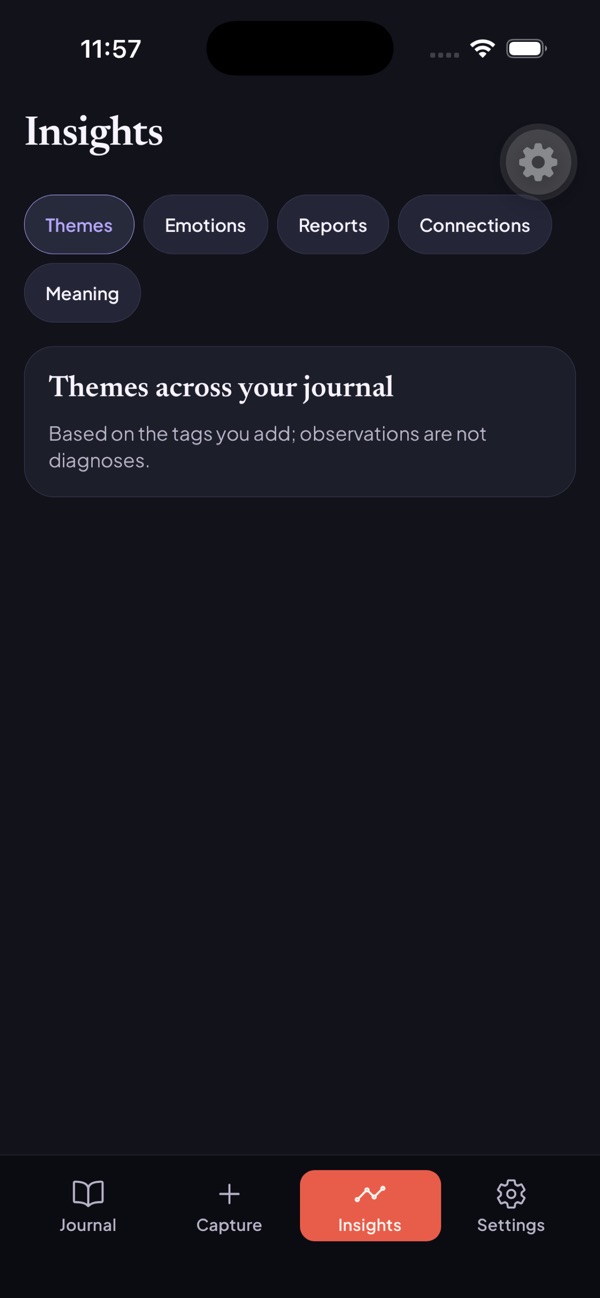
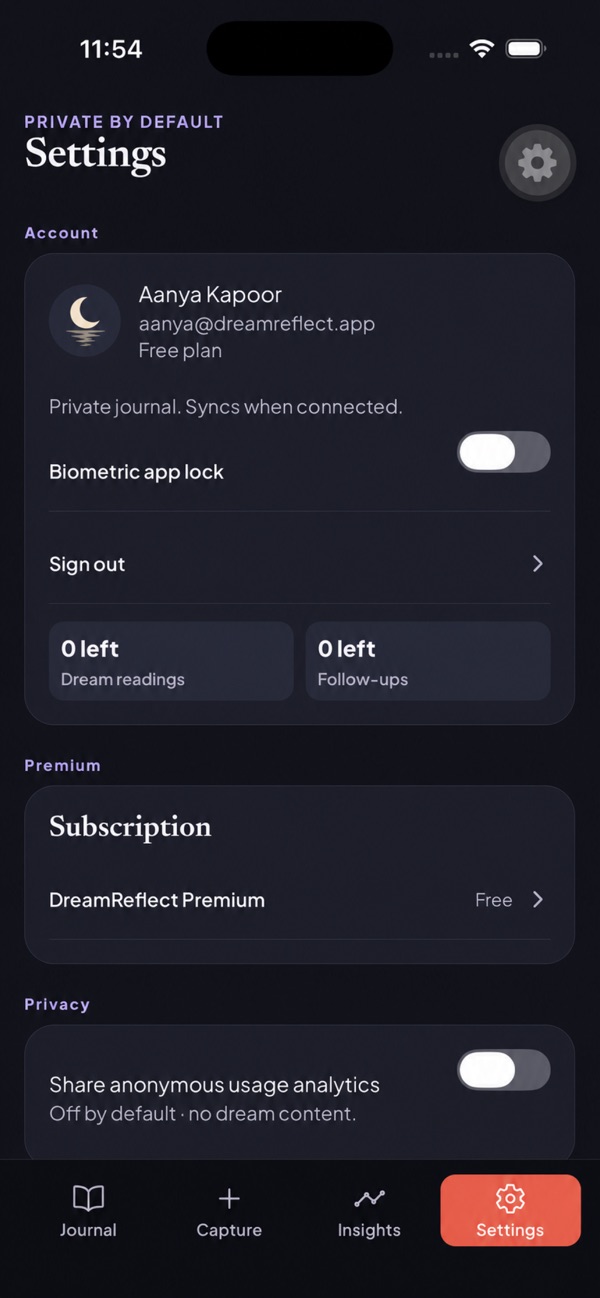
Use the buttons, swipe, or focus the gallery and use the arrow keys to browse. Screenshots are labelled by platform and store.
Inside DreamReflect
For people who want to keep a dream journal and explore recurring themes without treating one interpretation as fact.
DreamReflect lets you record dreams in your own words, revisit entries and explore different reflection lenses. Recurring themes link back to the dreams behind them, with uncertainty kept visible.
From a remembered dream to reflection
Capture what you remember
Type a dream or use voice transcription while its details are still available. Review the words before saving.
Choose whether to reflect
Keep the entry as a journal note or request an optional reflection through a lens that interests you.
Return to the journal
Search and revisit entries over time. The insights area groups themes and reports when enough material is available.
Questions & support
Does DreamReflect tell me what a dream means?
It offers possibilities and reflection questions, not a definitive meaning, diagnosis or prediction.
Can I manage my saved entries?
You can edit, search, favourite, archive, export or delete journal entries.
Platforms, pricing and practical limits
- Platforms
- The iOS and Android listings describe journaling, voice capture and optional reflections. This gallery shows iOS screens. Account flows, subscription access and quotas can differ between stores.
- Pricing
- The linked Indian store listings show a free download. Optional subscriptions or purchases unlock additional features; check your store for current plans and regional pricing.
- Limits
- Reflections are possibilities, not diagnoses or predictions. Small collections may not provide enough evidence for recurring-pattern insights.
Where can I get help?
Email [email protected] with the app name and a description of the issue. You can also visit our support page.