Fasting timer & history
Halfday
A timer for your fasting routine.
Track fasting sessions, revisit your history and keep a weight log in one focused app.
iOS & Android · Developed by QuantdeskFree to download · Optional in-app purchases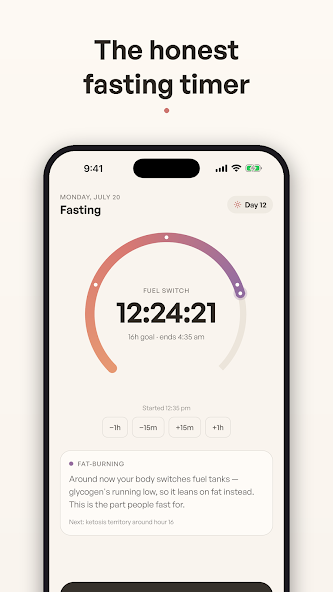
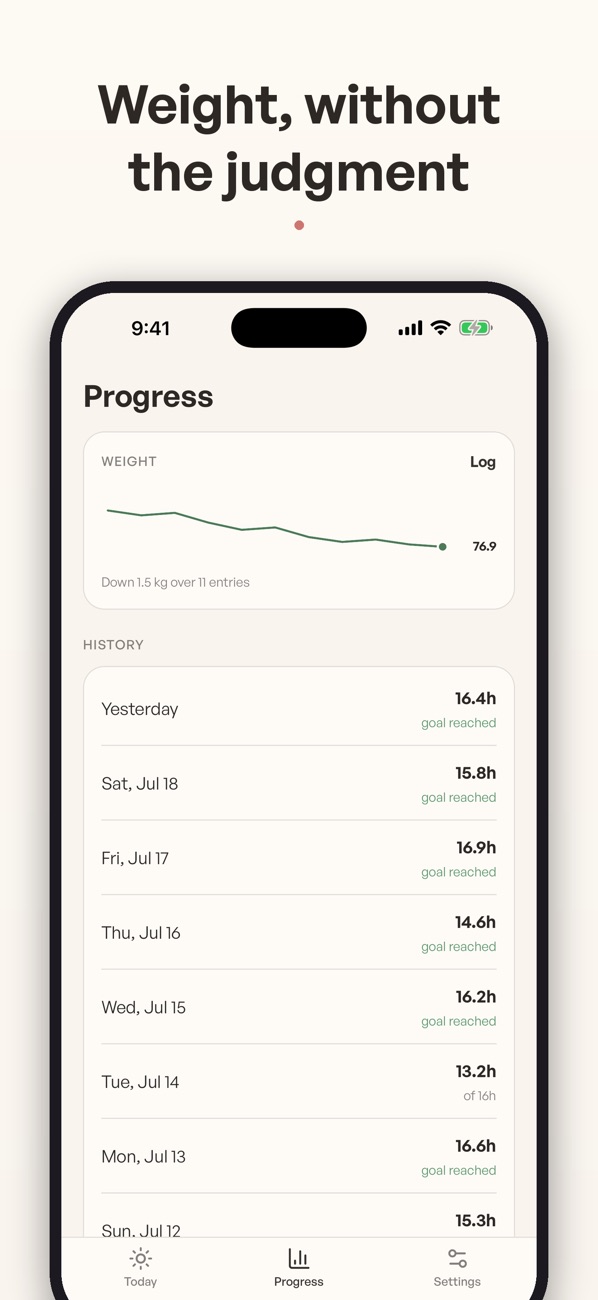
Use the buttons, swipe, or focus the gallery and use the arrow keys to browse. Screenshots are labelled by platform and store.
Inside Halfday
For adults who already follow a fasting routine and want a timer and a record of their sessions.
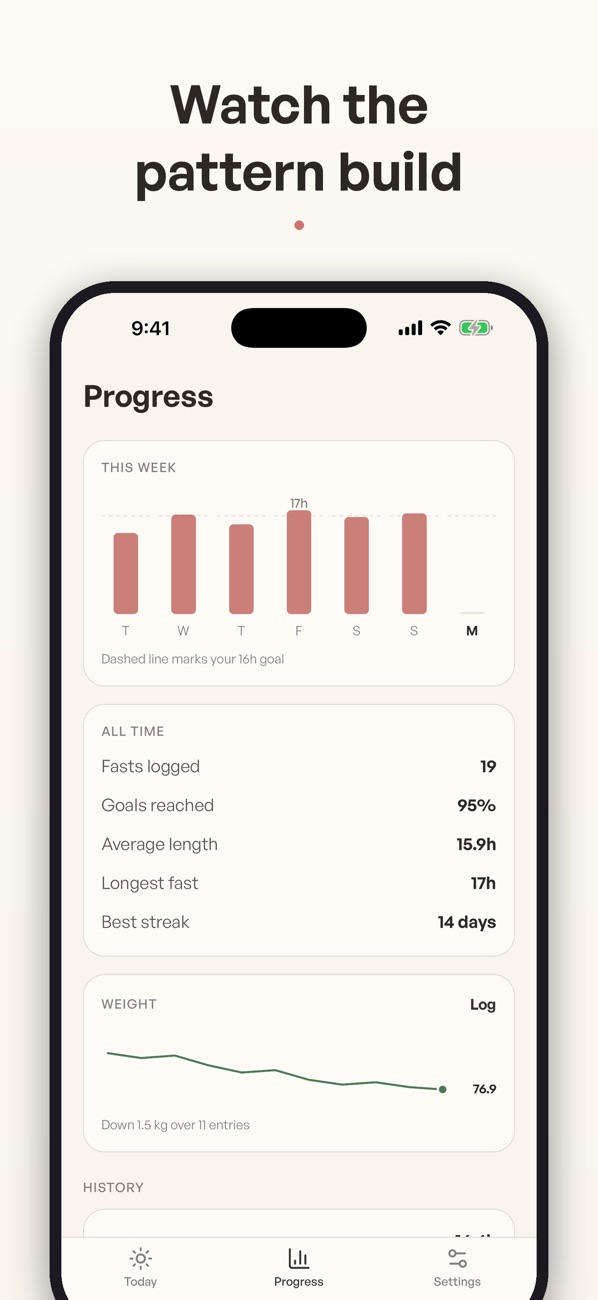
Halfday pairs a fasting timer with session history, streaks and weight tracking. Preset schedules help you get started, while optional Plus features extend history and add notes and exports.
Track a session and review the pattern
Start the timer
Choose a preset or start a count-up session. Follow the elapsed time in the app.
Finish and record it
End the session when you intend to and keep it in your history. Optional notes can add context to a session.
Look back over time
Review your session history and weight log. Plus adds longer history and exports when you need a more detailed record.
Questions & support
Does Halfday give medical advice?
No. It tracks time and your logs. Consult a qualified clinician before starting a fasting routine if you have health concerns.
Are there paid features?
Halfday offers optional Plus subscriptions. Check the relevant store listing for current access and pricing.
Platforms, pricing and practical limits
- Platforms
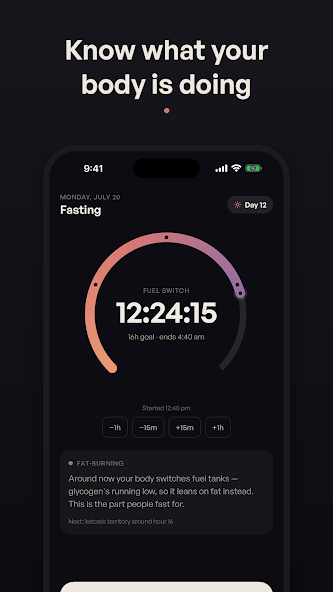
- Both listings describe the fasting timer, history and weight log. This gallery includes Android-listing timer/stage artwork and iOS progress screens. Optional Plus access is managed through your chosen store.
- Pricing
- The linked Indian store listings show a free download. Optional subscriptions or purchases unlock additional features; check your store for current plans and regional pricing.
- Limits
- The timer and stage labels are not measurements of what is happening in your body. Halfday is a tracking tool, not medical advice; seek qualified advice if fasting may be unsuitable for you.
Where can I get help?
Email [email protected] with the app name and a description of the issue. You can also visit our support page.