Class 10 exam practice
Prep10
Small practice. Clearer progress.
Focused Class 10 MCQ practice. Mock tests that put your weaker chapters back into the picture.
iOS & Android · Developed by QuantdeskFree to download · Optional in-app purchases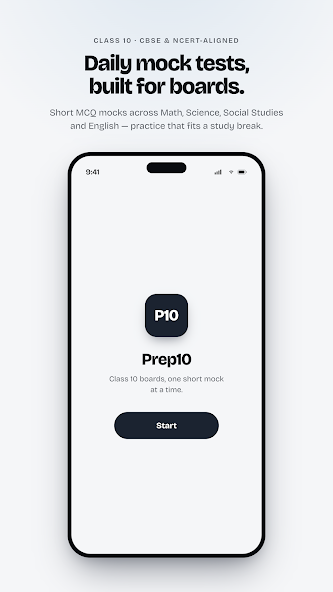
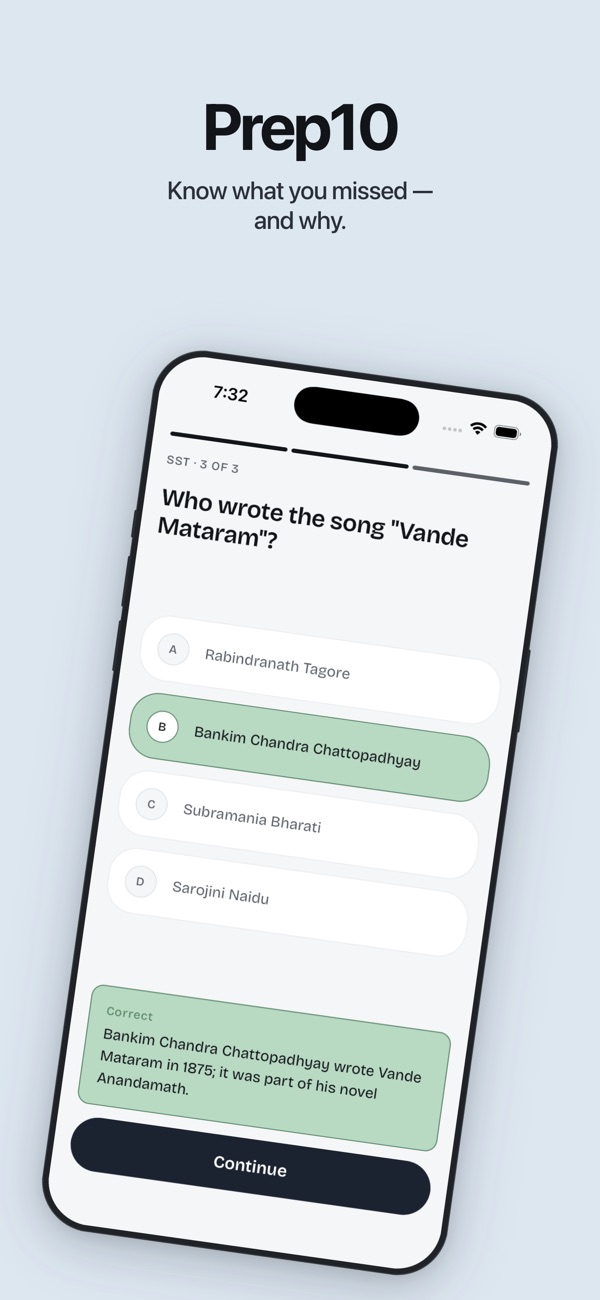
Use the buttons, swipe, or focus the gallery and use the arrow keys to browse. Screenshots are labelled by platform and store.
Inside Prep10
For Class 10 students practising Mathematics, Science, Social Studies and English with English-language MCQs.
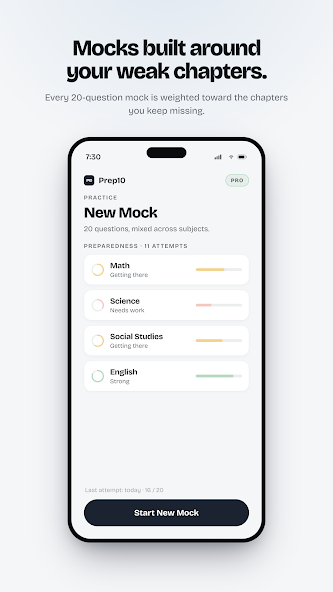
Choose chapter practice or a 20-question mock, then use feedback and progress views to decide what to practise next.
A focused practice session
Choose a subject or mock
Practise a chapter you are studying or start a 20-question mock assembled from the app’s question bank.
Work through the questions
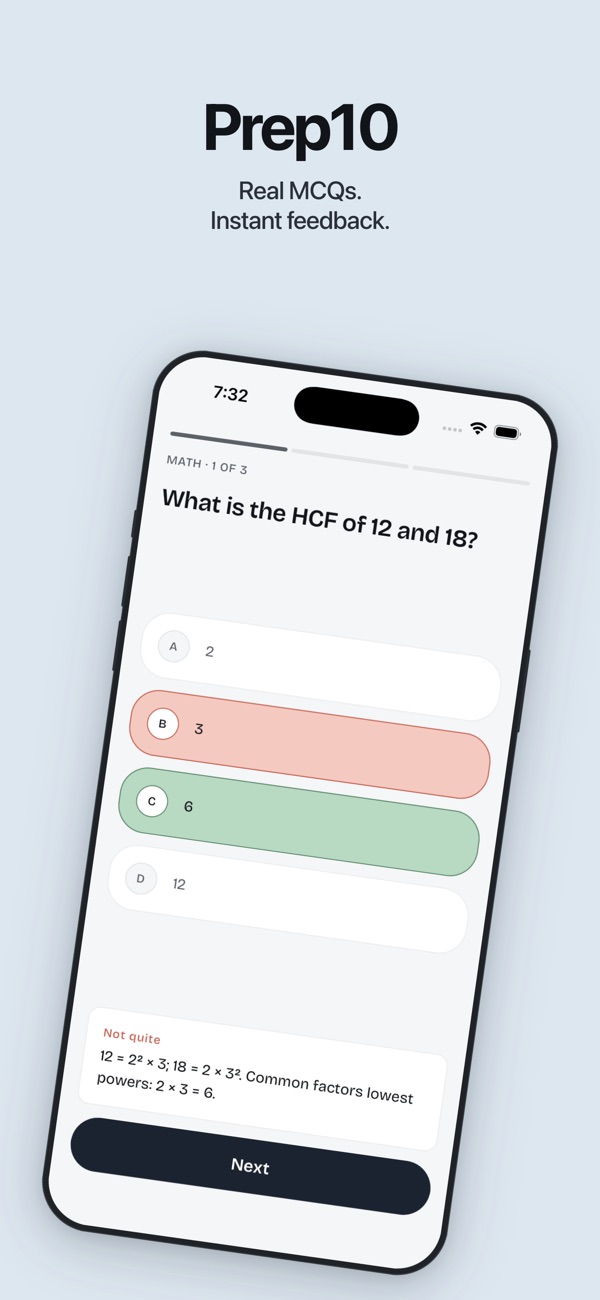
Answer the questions and finish the session. Pause and resume an unfinished test if you need a break.
Review before the next attempt
Read the per-question feedback and revisit weaker chapters so the next session has a clear focus.
Questions & support
Which subjects and language are supported?
Mathematics, Science, Social Studies, and English. The interface and practice questions are in English.
Is Prep10 an official CBSE or NCERT app?
No. It provides independent practice aligned with Class 10 topics and is not affiliated with or endorsed by CBSE or NCERT. It does not predict exam questions or guarantee marks.
Platforms, pricing and practical limits
- Platforms
- Both listings cover the same four subjects and chapter-based practice. Store screenshots show different stages of a test. Free quotas, subscriptions and available features should be checked in the relevant store.
- Pricing
- The linked Indian store listings show a free download. Optional subscriptions or purchases unlock additional features; check your store for current plans and regional pricing.
- Limits
- Prep10 supplements your textbooks and teaching. It is not affiliated with CBSE or NCERT, does not predict examination questions and does not guarantee marks.
Where can I get help?
Email [email protected] with the app name and a description of the issue. You can also visit our support page.